Home Blog Page 93

Oppo launches F19 smartphone in the Indian market

0
Image Credit: indianexpress.com

Oppo has launched all-new smartphones in the Indian market, which is the Oppo F19. The smartphone already had a Pro and a Pro+ variant in the Indian market and now this comes as a vanilla variant for the same. The smartphone has been launched at a price tag of Rs 18,990 for the 6GB/128GB version and comes in Midnight Blue and Prism Black color options. The phone is now available for pre-order and will be made available for sale on April 9. 

The phone comes with a triple camera setup on the rear which includes a 48-megapixel primary sensor with an f/1.7 lens, a 2-megapixel depth sensor, and a 2-megapixel macro shooter. The display is a 6.43-inch full-HD+ (1,080×2,400 pixels) AMOLED display with a 20:9 aspect ratio and 90.8 percent screen-to-body ratio. Powered by the Qualcomm Snapdragon 662 SoC, it also has an Adreno 610 GPU. The front display gets a 16MP shooter for selfies. The phone will also support expandable memory through a microSD card and will come with connectivity features like 4G LTE, Wi-Fi, Bluetooth 5.0, GPS/ A-GPS, USB Type-C, and a 3.5mm headphone jack. 

YouTube video

The fingerprint sensor has been placed inside the screen and has a 5,000mAh battery with a 33W fast charging capability. The only downfall for the phone could be the use of SD 662 in this price category where most of the smartphone manufacturers are providing chipset from the Snapdragon 700 series. Customers purchasing Oppo F19 are also entitled to receive Oppo Enco W11 TWS earbuds at a discounted price of Rs. 1,299 (worth Rs. 1,999) or Oppo W31 wireless headphones at Rs. 2,499 (worth Rs. 3,499).

Realme to launch Buds Air 2 Neo with Active Noise Cancellation on April 7

0
Image Credit: naxontech.com

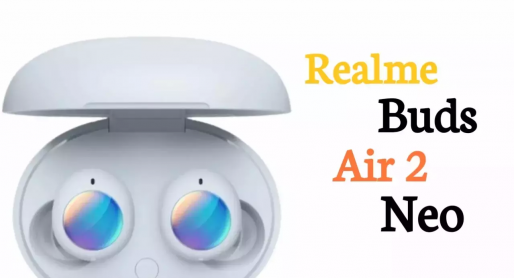
Realme has recently announced on Twitter that they will be launching the all-new Realme 8 series in the market with 5G support as well. However, it is not the only product from Realme, as they are also planning to launch the all-new Realme Buds Air 2 Neo on April 7. The company launched Realme Buds 2 Air with the launch of the Marzo 30 series in the past. After that, this will be the next successor in the lineup. This time Realme is trying to bring along the active noise cancellation feature to the Truly Wireless Stereo (TWS) models which are more affordable. 

The Realme Buds Air 2 Neo will have premium features but with a much lower price tag. The TWS is expected to come with the 10mm drivers which would also give more sound quality and extra bass output. The company estimates that the new wireless headphones will be able to give 28 hours of battery life and there would be a button on the charging case as well to show the battery life. The design is similar to Buds Q and the earbuds themselves are also having a pebble-like shape that we saw on the recently certified Realme Buds Q2. 

The launch for the product is scheduled for April 7, and the company is also expected to make a lot of new accouchement and might also launch some other products as well. Although it has not been confirmed, the Realme 8 series with 5G technology can be expected from the company.

Vivo X60t smartphones launched in the Chinese market

0
Image Credit: gadgetsay.com

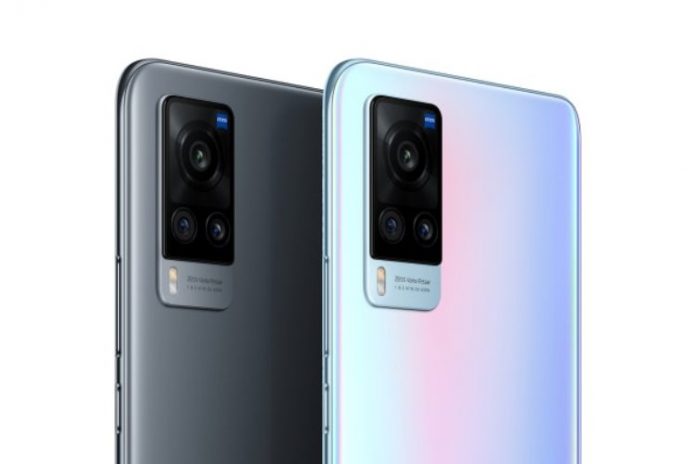
Chinese smartphone maker Vivo has just launched a new smartphone in the Chinese market, with the name X60t at 3,498 Chinese yuan. The phone did not make any kind of hype in the market before the launch and was launched as an offline exclusive model. The phone comes with the model number V2085A and has a 6.56-inch Full HD+ centered punch hole AMOLED display with a 19.8:9 aspect ratio. The phone comes with a powerful triple camera setup on the rear with a 48MP primary sensor with OIS, a 13MP sensor with a 2x telephoto lens, and a 13MP sensor with a 120-degree ultra-wide-angle lens. 

One of the main features of the phone is said to be the Zeiss optics and its tuning done by the company. The front gets a 32MP selfie camera sensor and is powered by a MediaTek Dimensity 1100 SoC instead of a Samsung Exynos 1080 SoC and is paired with 8GB RAM and 128GB internal storage. The phone will be working on OriginOS which is based on the Android 11 operation system and will have a 4,300 mAh battery with support for 33W fast charging. 

In terms of connectivity, it has features like dual-SIM, 5G, WiFi 6, Bluetooth 5.2, NFC. It also has the necessary sensors like accelerometer, ambient light sensor, compass, proximity sensor, gyroscope, and color temperature sensor. The phone will lack a 3.5mm headphone jack and a microSD card slot. Vivo has not made any kind of comment on the availability of the smartphone in the global market.

Huawei Band 6 to be launched soon, to be a rebranded version of Honor Band 6

0
Image Credit: android authority.com

We all know that Huawei and Honor were connected previously before Huawei decided to sell the Honor Unit. However, now Huawei has launched the Huawei Band 6, which is a fitness tracker and a rebranded Honor Band 6. The major selling factor for this fitness tracker will be the bigger screen and a two-week-long battery, which was also the feature set of Honor Band 6. The device has the same 1.47-inch AMOLED display, making it a lot roomier.

The only major difference that we will be able to notice in the Huawei Band 6 is that it is slightly smaller and has better battery life. The company confirms a battery life of 14 days and a minimum of 10 days with intense use. The fitness tracker also comes with an optical heart rate sensor and all-day SpO2 monitoring. The band will also warn the user about low blood oxygen levels throughout the day. The band will have 96 workout modes in total and six modes that can be auto-tracked like indoor/outdoor running, indoor/outdoor walking, elliptical, and rowing machine.

YouTube video

It will also track the heart rate, sleep stages, and breathing rate during sleep. It will offer basic mirroring, a remote camera shutter, and the ability to control the phone’s music. The only downfall of the smart band is that it does not support any third-party apps. At the time Honor Band 6 was launched, the price was around $35, so it can be expected that the price of Huawei Band 6 can be somewhere near the same price range.

What is FileRepMalware(Shocking) and Should You Remove it (2022)

0

FileRepMalware – When it comes to some of the most prominent issues on a system while working online or using the internet, most of the users face the issue of malware. For those who do not know what malware is, it is basically a code that is hidden in any kind of software or browser extension you download from the internet, or even the unknown links and pop-up ads you click on while browsing.

What is FileRepMalware

Malware is something that gets downloaded on your system and stays hidden while affecting the major files on the operating system to either run ads or change the settings of the operating system with any information about it to the users. Malware is very harmful as it not only changes the setting on the operating system but can also be used to steal important user data. When it comes to malware, one of the most common malware that is detected by an antivirus system is filerepmalware.

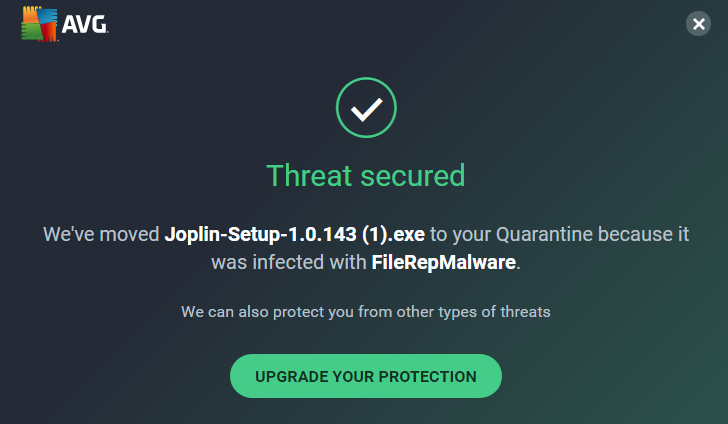
One of the most common antivirus programs to detect this file rep malware is AVG and Avast. It can be detected on Windows operating systems like Windows 7, 8, 8.1, and even 10.

What is FileRepMalware?

As per the Antivirus programs file rep, malware is treated as a malicious file that can pose a potential threat to the system. Many users have reported different issues related to this malware, such as displaying annoying alerts and messages, disabling a function or device, etc. If you search for “what is filerepmalware” on Google, you will find that that malware was previously known as “Win32:Evo-gen [Susp]”.

The name Win32 shows that the malware was specifically designed for the Windows operating system and does not affect other operating systems like Mac or Linux. While the Evo-Gen part of the file name indicates that it is a trojan type file. The file rep malware is proliferated with a fake KMSPico tool, which is generally used to an active illegal copy of the Windows operating system or a different Windows software that has been illegally downloaded.

One of the most common things you will see if the file has infected your system is filerepmalware pup. These are actually unwanted adware programs that are designed to display unwanted advertisements, coupons, banners, and record the sensitive data of the users when clicked on.

These ads can also be used to divert the users on malicious websites that record the data of the consumers and transfer malicious files to their system which can also be used to steal the financial data. These files can steal data like Internet Protocol (IP) addresses, Internet service providers (ISPs) geo-locations, URLs visited, queries entered into search engines, pages viewed, keystrokes, etc, and can be used to generate revenue to sell this to any third party.

How can they infect the system?

Since filerepmalware is malware, it can be transferred onto the system of the users in multiple ways. One thing is for sure, that it would require an internet connection so that the users can either click on a link or ad or simply download a software. There are various methods through which the file rep malware can be distributed, with one of the most common methods being used by developers to bundle it with the software. There is much software online that does not come with any digital signature.

The developers intentionally add a malicious code in the bundled software which remains hidden and when installed on the system, changes the settings of the Windows system. Some of the most common ways of distributing these malware files are:

  • Links and attachments sent through unknown id on the email.
  • Transferring data from an external flash drive that has infected files.
  • Infected file on Network.
  • Fake updates and software for download.
  • Ads and Link through pop-ups and ads which divert to malicious websites.

What should be done if the filerepmalware is detected?

This malware is basically detected in files with a very low reputation score. This low score is basically assigned to applications that have not been downloaded much on the internet and have not been added to the antivirus clean-set yet. Also, any software which does not have a digital signature or publisher signature will be marked as malware. To check if the files detected as filerepmalware is safe or not simply follow the methods below:

  1. Download the Virustotal app from the internet which will check if the file detected as malware is safe or not. Once it detects the file, right-click on it and check the location of the file. You can also upload the suspicious file on Virustotal to check its safety status.
  2. Since the malware is only detected majorly on Avast and AVG, it is suggested that you should scan your system with another Antivirus system to make sure that it is not a false flag. You can check the same with Windows Defender or a free malware scanner online.
  3. Once the file has been detected and is positively identified for malware, you simply need to delete the file. You can also use LockHunter to unlock and delete the file.

Things you could do to avoid downloading the malware?

When you search online for what is filerepmalware, you will often see some instructions that would help you understand what needs to be done to avoid files like filerepmalware pup. You can follow the steps mentioned below to avoid downloading these files on Windows.

  • Do not download any kind of application from the internet which is from an unknown website and does not have the digital signature of the publisher or developer.
  • Do not click on Ads that come as a popup on the browser and never click on any unknown link received on email.
  • Remove any additional browser plugins and extensions which you do not use.

Conclusion

The filerepmalware might or might not be harmful to your system. However, if it is detected by more than one antivirus program then you should follow the instructions mentioned above. It would not only clear your system with such unwanted files but will make sure that your personal records are not shared without your permission. However, do try to follow the prevention steps which would not lead to a situation where the system is infected by malware.

Also Read:

How to Record Screen using Microsoft PowerPoint – 1 Easy Tutorial

0

If you want to know How to Record Screen using Microsoft PowerPoint then read this post to understand.

Powerpoint is one of the impressive and one of the most important tools for professional-level presentations. It is used in most of the offices to make presentations and display it to the team members. However, most of the Powerpoint users don’t know about a function in the software that can also help to record the screen.

How to Record Screen using Microsoft PowerPoint – Simple Steps To Achieve This

The function can easily allow you to record your screen and share the presentation video from Powerpoint on any social media platform. The process is easy and can be done by anyone who uses Powerpoint. Let’s have a look at how it can be done

How to Record Screen using Microsoft PowerPoint Video Tutorial

YouTube video
  1. Open Powerpoint and open your existing presentation or create a new one.
  2. Once the project is open, click on the “Insert” tab, and on the extreme right, you will see the option “Screen Recording”.
  3. Clicking on the selected option will give you the options window on the top, using which you can select a particular part of the screen which you want to record. At the same time, it will also allow you to record the audio and the pointer.
  4. To begin the recording, click on the “Record” button and you will see a countdown. Once it disappears, the recording would have started.
  5. To stop the recording, take the pointer to the top of the screen and the controls will be displayed again, where you can select the Stop option.

Wrapping Up: How to Record Screen using Microsoft PowerPoint

Now you can use the recorded video on the Powerpoint presentation as well and can also edit it, like adding text, changing frame, etc. You will also be able to trim the start and end time of the video. Also, simply right click the video on the Powerpoint slide and save it on your desktop in mp4 format.

Also Read:

Apple to have a bigger display lineup of iMacs this year

0

When it comes to the desktop series, Apple currently has two different variants on offer, which are the 21.5-inch and 27-inch ‌iMac‌ in series. However, as per the latest news, the company could be going for an even bigger screen with the new series of iMac. The new machine could bring in a display of 30-inches or probably more as well. There have been a lot of rumors since last year that Apple will be bringing a new series of iMac later this year and the new iMacs are supposed to have a better design, more power, and a display with something similar to Pro Display XDR monitor. 

However, as per the confirmed news from the tipster l0vetodream, the new iMac that will arrive later this year will have a larger display than the current offerings. The tipster has also revealed that the new and bigger model will not be added to the lineup, but will replace the existing 27-inch iMac in the market. Since the upcoming iMac is said to have a similar design as XDR Pro Display, it could also have the same screen size, which is 32-inch.

It is also rumored that the new lineup of iMacs will be using the new M1X chipset which is made by Apple and can have 16 high-performance cores and four efficiency cores. Also, macOS Big Sur 11.3 beta also seems to have revealed two new iMac designations – “iMac21,1” and “iMac21,2, which does not match the previous two iMacs. It is also possible that Apple might add 5 new colors to the lineup to choose from.

How to Speed up Your Android Phone? (5 Exclusive Methods)

0

“How to Speed up Your Android Phone?” is the questions with people with android phones always ask.

So if you are using an Android phone, you must have faced an issue where the phone’s performance degrades after a certain period of use. The case is most common in phones from low to mid-range price range. There are a lot of reasons due to which these phones get slower. It can be the hardware, software, or just the updates. Here we will discuss some of the common reasons why your android phones drop on performance. We will also share tips and tricks that will help restore the performance and speed up the android phone.

Lack of Storage Space

How to Speed up Your Android Phone

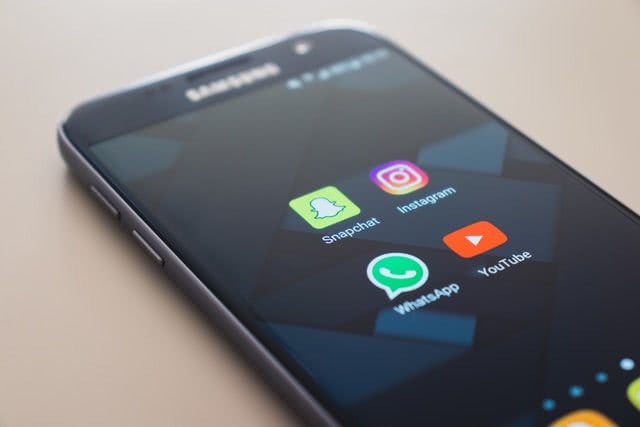
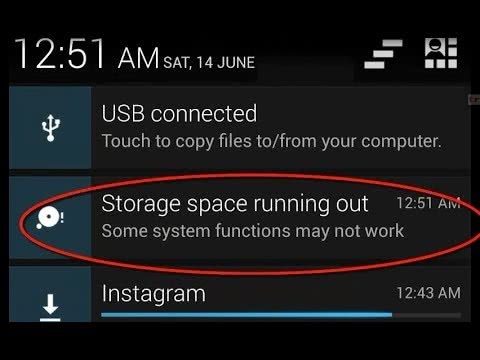
The most common reason behind your android phone getting slower is the lack of storage space. If the storage space on the phone is almost full, you will see a lag in transitions, opening and closing apps, processing speed, and so on. With the increase in data, the processor load also increases while loading the data on your phone. The best way to resolve the issue is to use cloud storage where you can save the data on the cloud servers. Apart from that, you can also clean your phone from any unwanted data to lighten it up. Once done, you will see a lot of increase in speed and performance of your phone.

Know Your Phone

speed up android phone battery drain

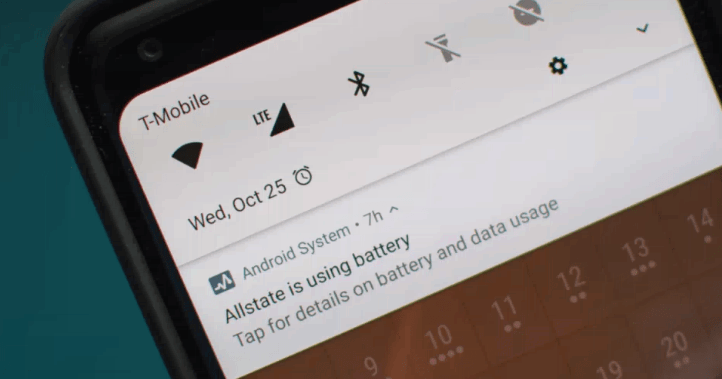
Not all phones do the same amount of tasks as others. For example, many ranges of phones cannot perform in the same way as a premium range phone. One should know the hardware and software of the phone to understand how much load it can withstand. Do not overburden your phone with the resource-hungry application, when it cannot do so. Using multiple applications should be reduced to a limit so that it does not affect the phone’s performance. With high memory consuming apps, android running slow is really an issue.

Updates

how to speed up my phone updates

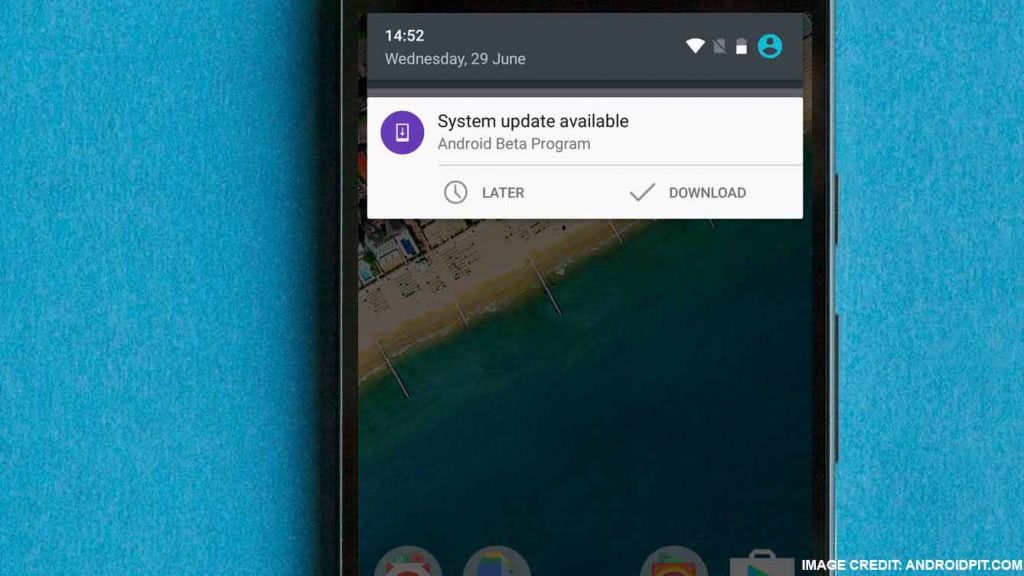
Unless and until your Android phone is fully updated, you cannot expect it to provide exceptional performance. Security and other updates from Google make sure that any existing bugs are removed, and the performance of the phone is optimized. Make sure to download and install all the updates regularly to optimize your phone’s performance as per the latest technology.

A Bucket Full of Application

how to speed up my android phone apps

You will have to admit that every smartphone user has installed many different applications on their mobile phones, which are of no use or have not been used for a very long time. Such an application consumes storage space and runs in the background, eating up the phone’s free resources. Ultimately it leads to slower performance and log. The only solution to this is to remove all the unnecessary applications on your phone that you do not want to use. Once removed, you will see a major difference in the free RAM your phone has. The increased availability of RAM will surely speed up your android phone and its performance.

Use a High-Speed Memory Card

phone running slow high speed memory card

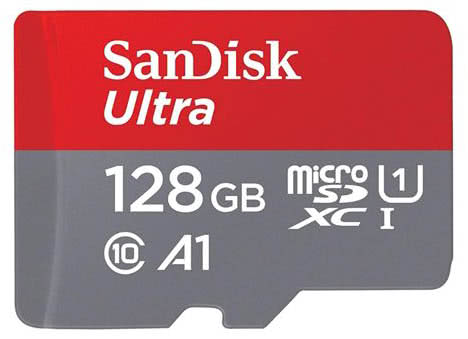
In case you are using a memory card in your phone to fill up the storage, make sure to use a high-speed memory card. Memory cards are categorized in class. For example, Class 2,3 and it goes up to 10 or more. The higher the class, the better will be the speed for reading and writing the memory. It always suggested using a memory card from Class 6 to Class 10, to make sure that even full storage does not slow down the phone. If you have a memory card of say class 2 or 4, you will see a huge dip in the phone’s speed while accessing the memory.

Clear Cache Memory

phone is slow clear cache

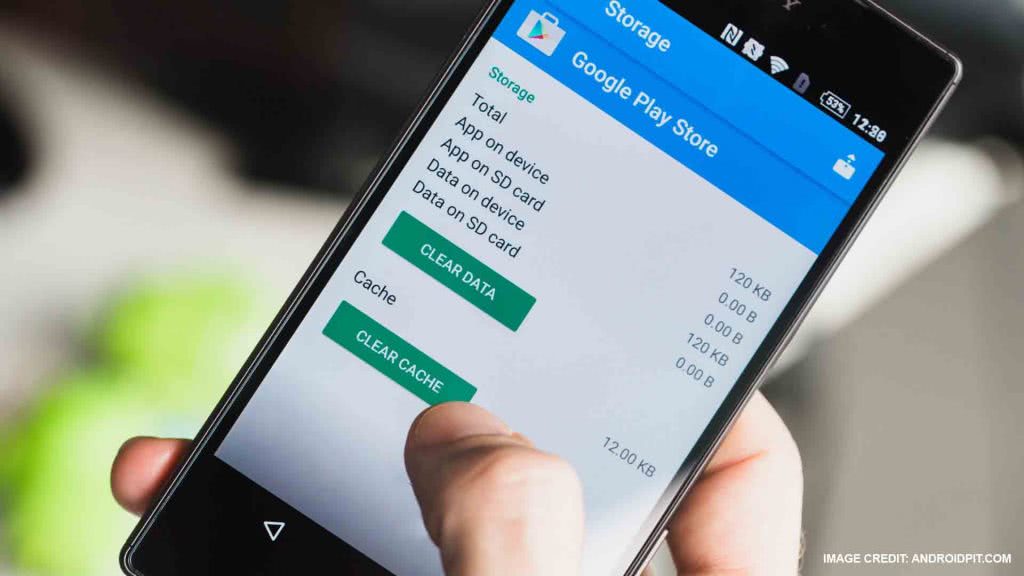
Unless your cache memory is optimized regularly, you will see a major drop in the android phone’s performance. You can easily download a Cache cleaner application from the Play store and regularly wipe cache memory. It becomes more necessary if you use a lot of internet on the phone. If the cache memory is full, apps would be running slowly on android.

Remove Any Extra Widgets

android running slow widgets

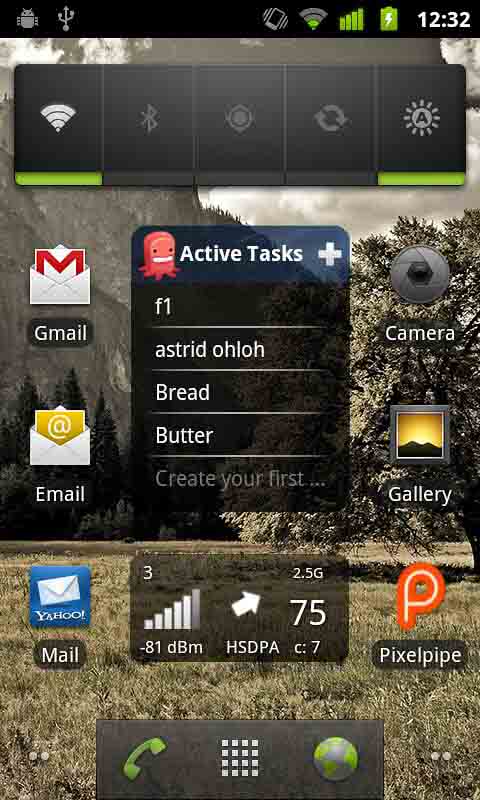
In case your home screen on the android phone is filled with multiple widgets, it will slow down the load up time for your phone. One should place fewer widgets on the screen to reduce the load time and access the home screen faster.

Avoid Live Wallpaper and Animation Effects

speed up android phone live wallpaper

Lastly, do not use any live wallpaper on the older phones as it not only consumes a lot of resources and power, but also puts a lot of load on the processor. Apart from that, reduce the transition effect and turn off the animation. It helps the processor to switch from one app to another without using the resources for animation.

Also Read:

Realme to launch the Realme 8 series again with 5G support

0
Image Credit: youtube.com

Realme launched the Realme 8 series of smartphones in the Indian market a few weeks back. However, the smartphones did create a lot of stir in the Indian market as they seemed to be a degraded version of the Realme 7 series. Also, the price range and features with which the Realme 8 series was launched, had many other brands providing support for the 5G network in the same price range. It is why Realme will now soon be launching the new Realme 8 series in the Indian market with 5G support. 

The confirmation was given in an event by Realme and confirmed that the new series of 5 G-enabled smartphones is under testing and will soon be launched. The company will be launching Realme 8 5G and Realme 8 Pro 5G, which was also spotted on various certification websites. Realme has also confirmed the news on the official Twitter account however, there was no confirmation on the date for now. Realme is also gearing up to launch the C series of smartphones soon with the new C25, C21, and C20 in the second half of April 2021. 

Also, the Realme 8 series can come with the new Dimensity 700 SoC or 800 SoC. A similar Realme smartphone was spotted on the FCC website with the model number RMX3241, which battery capacity listed at 5,000 mAh. The phone was also running Android 11 with Realme UI 2.0. We can expect Realme to soon announce the date and relaunch the 8 series with more success.

Apple to make a lot of major announcement in WWDC 2021

0
Image credit: 9to5mac.com

Apple’s annual Worldwide Developers Conference event is all set to be held on June 7 and the event will be entirely digital for the second time. It would be the 32nd year for Apple to showcase its devices and technology. The event will be available on the Apple Developer app and on the Apple Developer website for free to all developers. This year, a lot of new announcements are expected from Apple, out of which iOS 15 and Apple Silicon chips will be the major highlights. 

The event will be available through Apple’s social media channel including Youtube. It can also be watched at Apple.com, the Apple TV app, and the Apple Developer app and website. iOS 15 is expected to carry forward iOS 14 with some more tweaks, making the experience a little better. The new iOS will only be supported on devices with A10 or later processors. Apart from that, we can also expect the launch of watchOS 8 which will be the newest version of the Apple Watch OS. 

We could also be looking at a major revamp when it comes to the tvOS 15 where it could bring in support for a new gaming controller that Apple has been trying to create alongside Apple TV. Apple will also be announcing the new version of iPadOS 15 and macOS 12 which is expected to make the iPad more powerful and a perfect alternative to a computer. Apple is also working with developers to make pro-level apps for the new macOS 12.